AcrylicXIV
Give your UI that premium, acrylic look upgrade. Because Eorzea looks better with some blur.
About AcrylicXIV
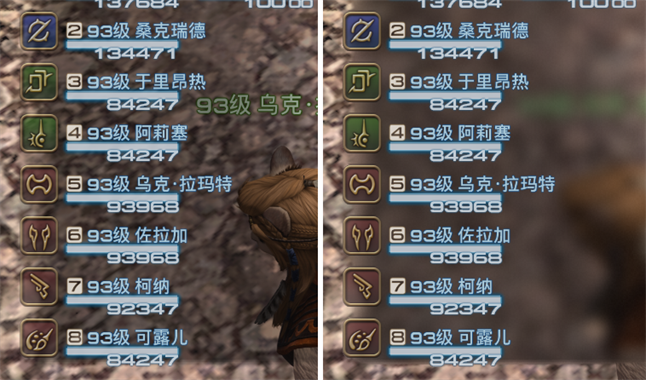
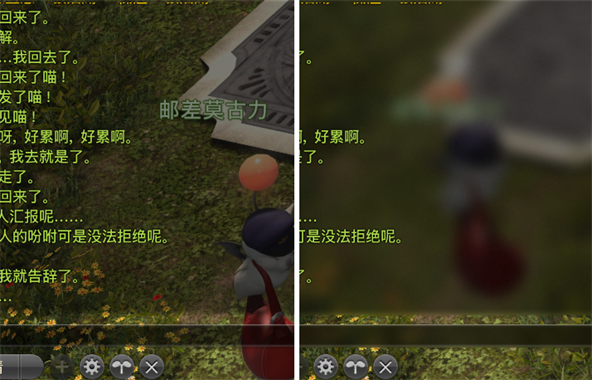
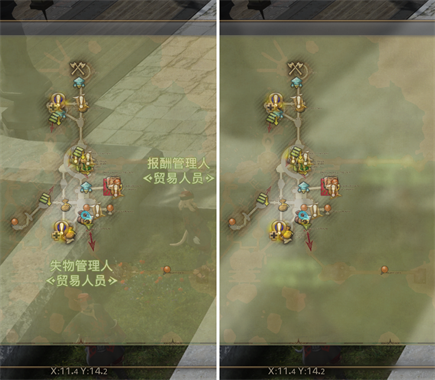
Blur the background behind native UI like acrylic or frosted glass, making it more elegant and readable. Customize your effects with acrylic styling, distortion, tints, and full control over brightness, saturation, and contrast.
Screenshots
3 images from the plugin's author. Click one to see it full size.
How to install
- Install XIVLauncher with Dalamud and start the game through it.
- Type
/xlpluginsto open the plugin installer. - Open All Plugins, search for AcrylicXIV, and click Install.
Similar plugins
-
Splatoon Scriptable overlay engine for drawing mechanics, markers, and indicators in real-time
-
 Character Panel Refined
Refine the character panel to display only useful information like crit and direct hit chance
-
 Umbra XIV
Adds fully customizable toolbars and 3D world markers to the game.
-
 Pixel Perfect
Reveals your hitbox, with customisable features. Endorsed by world first raiders!