FateLimit Testing builds
See the edge of every FATE, and know before you step out of it.
About FateLimit
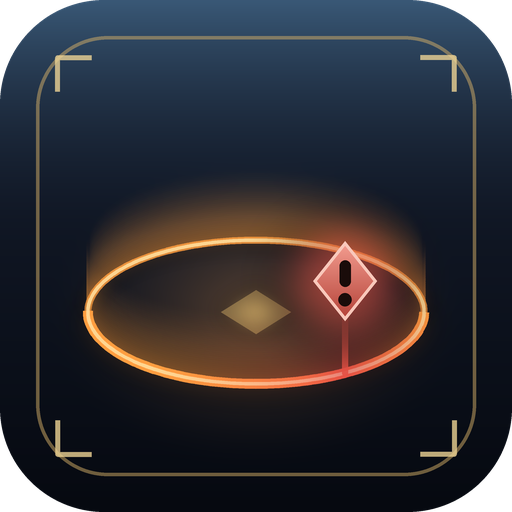
FateLimit draws the border of FATE areas right in the world, so you always know where the fight ends and never lose your level sync by wandering out. WHAT YOU GET - Five border styles made to sit in Eorzea: Aether ring, Barrier wall, Marching dashes, Crystal runes and FATE ember. - Two ways to show them: always, or only when you get close to the edge of the FATE you're in. - A warning colour that creeps in as you near the edge, an on-screen banner with the distance left and a marker on the closest point of the border. - Borders that follow the ground over hills and slopes instead of floating through them. - Colour, thickness, height, spacing, glow and animation for every style, with a live preview in the settings. GETTING STARTED Type /fatelimit (or /fl) to open the settings. /fatelimit test places a practice FATE around you so you can try every style without waiting for a real one. Found a bug or have an idea? Settings > Diagnostics copies a report and opens a GitHub issue for you, or come and talk about it on Discord: https://discord.gg/9kjUjWDBkJ PLAYS BY THE RULES FateLimit is purely visual: it only reads where FATEs are, which the game already shows on your map, and draws over the screen. It never moves your character or sends anything to the game. Settings are stored locally and nothing is ever uploaded.
How to install
- Install XIVLauncher with Dalamud and start the game through it.
- Type
/xlsettings, open the Experimental tab, and turn on Get plugin testing builds. This plugin is only released as a testing build, so it won't show up in the installer until that setting is on. - Type
/xlpluginsto open the plugin installer. - Open All Plugins, search for FateLimit, and click Install.