
Karaoke Testing builds
If it's not 'big fat tacos', what ARE they singing?
About Karaoke
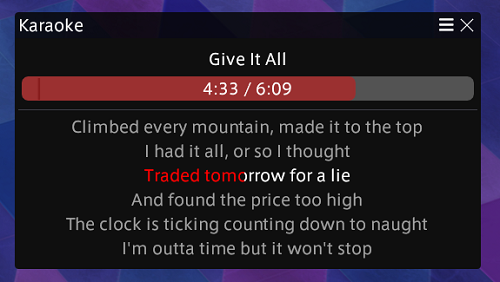
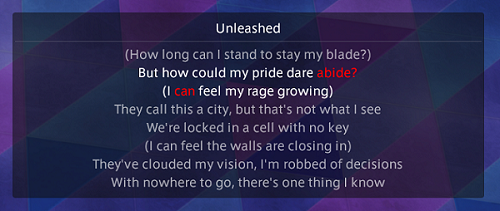
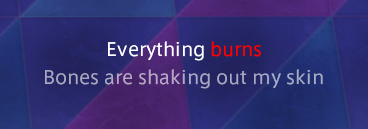
Shows the lyrics of what's currently playing, synced to the track time
Screenshots
3 images from the plugin's author. Click one to see it full size.
How to install
- Install XIVLauncher with Dalamud and start the game through it.
- Type
/xlsettings, open the Experimental tab, and turn on Get plugin testing builds. This plugin is only released as a testing build, so it won't show up in the installer until that setting is on. - Type
/xlpluginsto open the plugin installer. - Open All Plugins, search for Karaoke, and click Install.
Similar plugins
-
 Orchestrion Plugin
Adds a simple front-end for browsing and changing the in-game BGM.
-
 Weatherman
Allows precise control over time and weather per zone or globally.
-
 Harp Hero
Bard performance assistant
-
 SoundSetter
A Dalamud plugin that allows volume control from anywhere, including gpose and cutscenes.