Which Mount
Shows what mount another player is using. Includes a mount database, chat links, and trial totem tracking.
About Which Mount
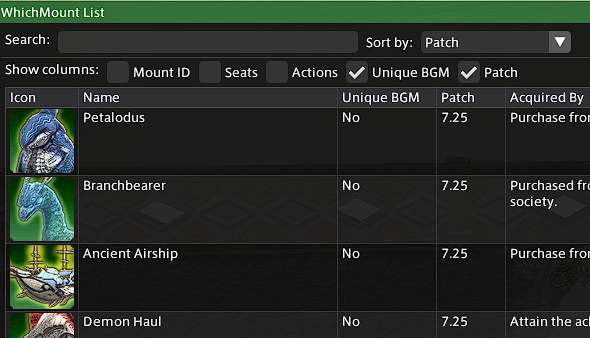
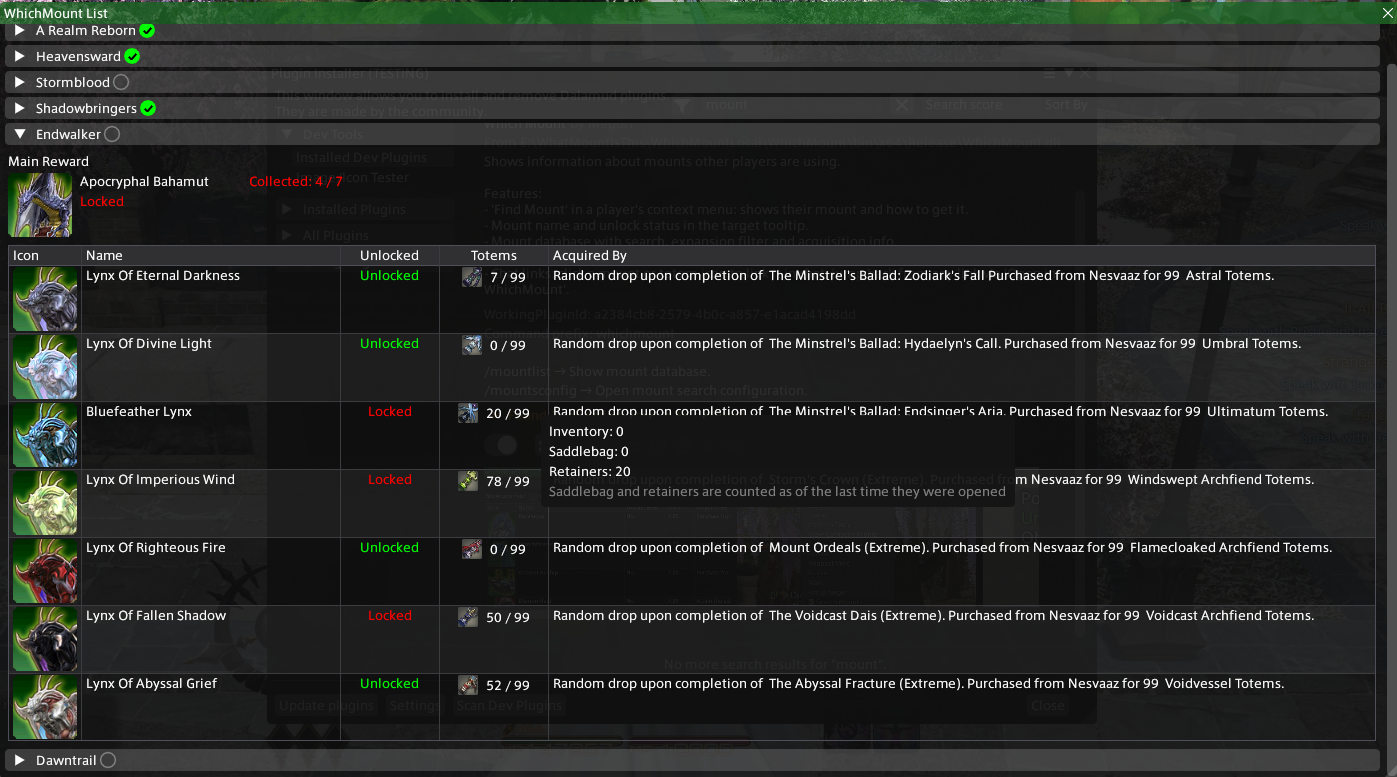
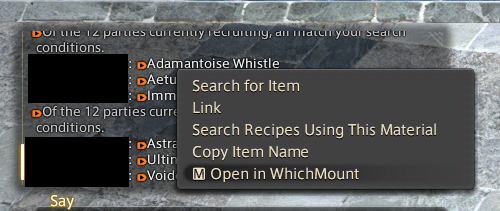
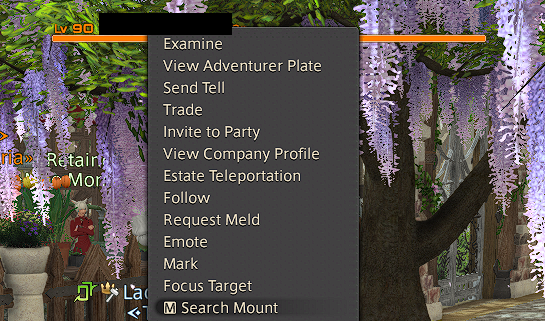
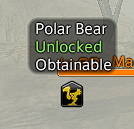
Shows information about mounts other players are using. Features: - 'Find Mount' in a player's context menu: shows their mount and how to get it. - Mount name and unlock status in the target tooltip. - Mount database with search, expansion filter and acquisition info. - Trial mount tracks with totem counts (inventory, saddlebag, retainers). - Chat links: click a mount or totem icon to link it in chat, jump back from any link via 'Open in WhichMount'.
Screenshots
5 images from the plugin's author. Click one to see it full size.
How to install
- Install XIVLauncher with Dalamud and start the game through it.
- Type
/xlpluginsto open the plugin installer. - Open All Plugins, search for Which Mount, and click Install.